
In recent years, Artificial Intelligence has become the driving force behind the largest technological revolution in the digital world. With Meta (formerly Facebook) entering the competition, a new generation of advanced tools has emerged, enabling users to create AI-generated images and produce stunning AI-powered videos with just a few clicks.
These innovations go far beyond entertainment. Today, AI image generation tools, AI video creation software, and generative AI platforms are widely used in digital marketing, content creation, social media advertising, and online business growth, making them essential for creators and companies alike.
In this article, we provide a comprehensive review of Meta’s latest AI video generation tools, highlighting the most important features and limitations, and explaining why these solutions are now ranked among the best AI tools for content creators and businesses. We will also explore how to leverage AI applications, AI-powered content creation, and artificial intelligence software to maximize productivity, enhance brand visibility, and increase online revenue opportunities in today’s competitive digital market.
What Are Meta AI Tools for Image and Video Creation?
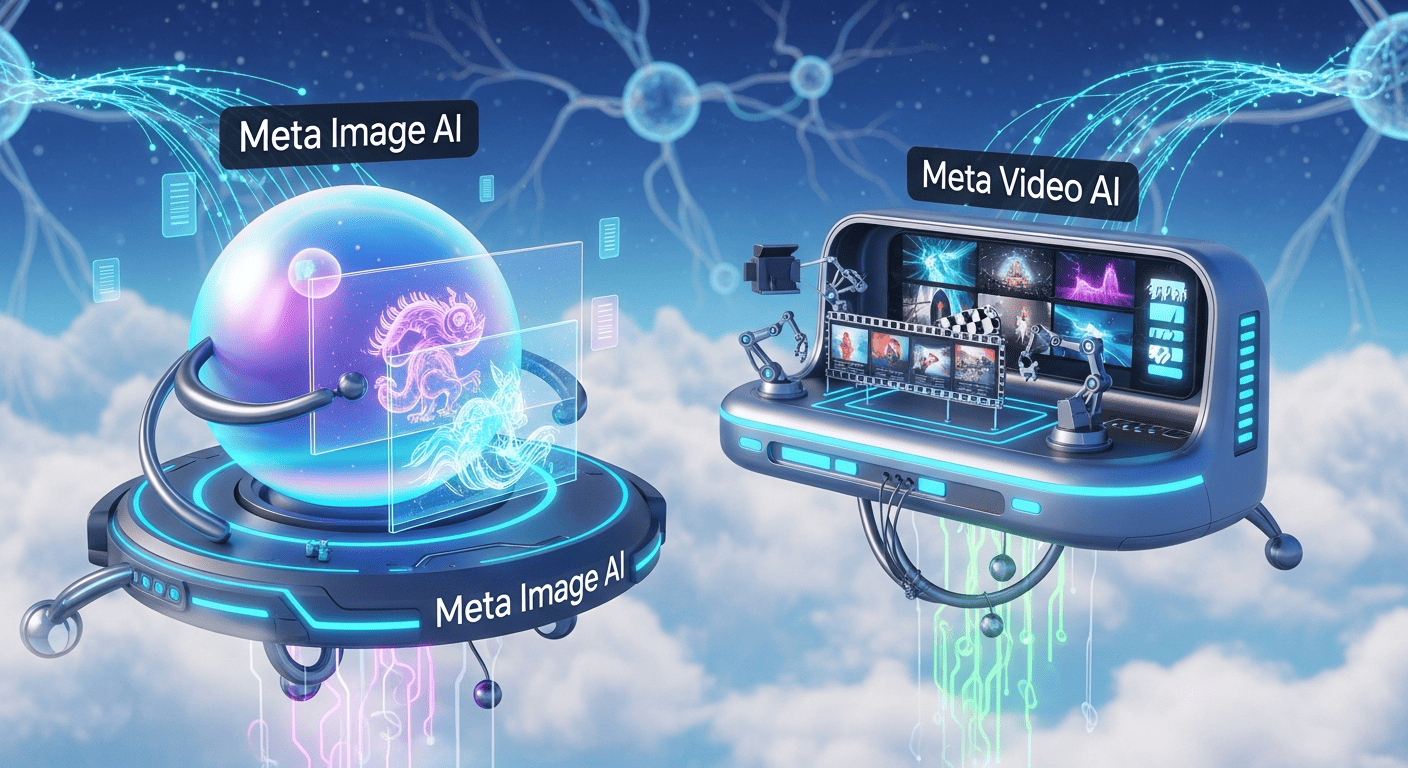
Meta’s AI-powered image and video creation tools allow creators, marketers, and businesses to quickly and easily create high-quality visual content without requiring technical expertise. Here are the details:
1. Imagine (Imagine with Meta) – AI Image Generation Tool
Imagine is Meta’s text-to-image AI tool designed for content creators and digital marketers. It allows users to convert text prompts into realistic or artistic images within seconds. With its user-friendly interface and powerful AI, it competes with DALL-E and MidJourney, making it one of the best AI tools for visual content creation.
2. AI Video Editing Tool
Meta’s AI-powered video editing tool enables users to transform text ideas or prompts into short videos effortlessly. Integrated within Meta AI, Meta.AI website, and Edits app, it allows automatic adjustments of scenes, lighting, and colors. This tool is ideal for professionals aiming to leverage AI for video content creation efficiently.
3. Movie Gen – Generative Video Model
Movie Gen serves as Meta’s core generative AI model for video creation. It can generate videos from text prompts or convert images into videos, ensuring smooth motion and frame consistency. This tool is particularly useful for designers and developers who want to integrate AI-powered video generation into their projects.
4. Edits – Meta AI Short Video Editor
Edits is a dedicated AI video editing app for short clips. Competing with CapCut, it enables users to enhance video quality, apply creative effects, and produce engaging content quickly. Perfect for social media marketers, content creators, and anyone looking to boost visual engagement with minimal effort.
How Do Meta AI Tools Work? — A Simplified Technical Overview
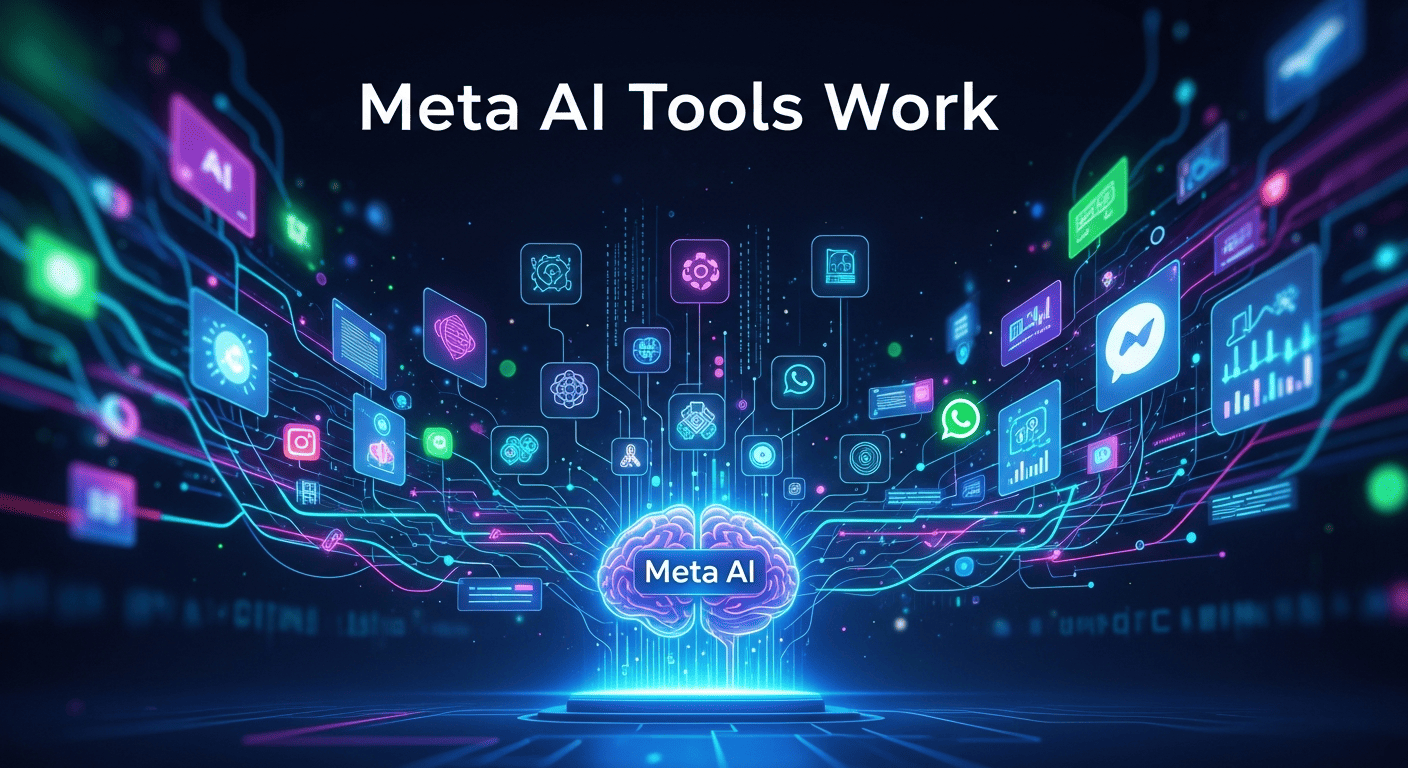
Meta’s AI-powered tools for generating images and videos rely on advanced machine learning algorithms and generative AI models. Here’s a breakdown of how they operate:
1. AI Image Generation (Imagine)
- Uses text-to-image AI models to convert text prompts into high-quality visuals.
- Relies on diffusion models and deep learning to understand the relationship between words and visual elements.
- Users input a description, and the AI predicts pixel patterns, textures, and colors to create a realistic or artistic image.
2. AI Video Creation (Movie Gen)
- Transforms text or images into motion sequences using generative video AI.
- Ensures temporal consistency, so the frames flow smoothly and naturally.
- Capable of adding dynamic effects, lighting changes, and animated elements, producing a complete short video from a simple prompt.
3. AI Video Editing (Edits App & Video Editing Tools)
- Lets users apply AI-powered transformations to pre-existing videos.
- Can automatically adjust lighting, colors, backgrounds, and style based on simple prompts.
- Integrates with Meta platforms, allowing seamless content publishing to Instagram, Facebook, and other social media.
4. Underlying Technology
- All tools use Generative AI platforms and deep learning neural networks trained on massive datasets of images and videos.
- The AI “learns” patterns, styles, and object recognition to automatically generate visuals that are consistent with the input prompts.
- Some outputs include metadata tags to identify AI-generated content for tracking or quality verification.
Advantages Offered by Meta AI Tools
Meta’s AI-powered tools provide a range of benefits for content creators, digital marketers, and business owners who want to produce high-quality visual media efficiently. Here are the key advantages:
1. Ease of Use
Meta AI tools are designed for beginners and professionals alike. Users can generate images and videos using simple text prompts without needing advanced technical or design skills. This makes AI content creation faster and more accessible.
2. High-Quality Output
Whether generating AI images, AI videos, or short animations, Meta AI ensures professional-grade results. The tools use deep learning neural networks and generative AI models to produce realistic and visually appealing content, perfect for digital marketing campaigns or social media posts.
3. Creative Flexibility
Users can easily customize content by modifying lighting, backgrounds, styles, and effects. Meta AI supports a variety of artistic styles, including realistic, cartoon, cinematic, or futuristic looks, making it ideal for branding, advertisements, and creative projects.
4. Integration with Meta Platforms
Content can be shared instantly on Facebook, Instagram, and other Meta AI integrated platforms, streamlining the workflow for social media marketing and online advertising.
5. Rapid Development and Updates
Meta invests heavily in AI research, ensuring continuous improvements in image resolution, motion realism, and overall performance. Users benefit from cutting-edge AI technology that keeps them competitive in the digital content industry.
6. Cost and Time Efficiency
By automating image and video production, Meta AI helps reduce both production costs and time spent creating content, making it a powerful tool for content marketing, e-commerce, and business growth.
7. Scalable Content Production
Meta AI tools enable mass content generation, allowing marketers and creators to produce multiple AI images and videos simultaneously. This scalability is essential for digital agencies, e-commerce platforms, and social media campaigns.
8. AI-Powered Personalization
These tools can generate content tailored to specific audiences or campaign goals, enhancing user engagement and conversion rates. By using AI personalization, businesses can deliver highly relevant visual marketing assets.
9. Cross-Platform Compatibility
Content generated by Meta AI can be used across various platforms, including websites, social media, apps, and advertisements. This flexibility supports omnichannel marketing strategies.
10. Enhanced Creativity
With AI-assisted creative suggestions, users can explore new styles, concepts, and designs without manual trial and error. Meta AI encourages innovative content creation, from cinematic videos to artistic image renderings.
How to Download and Use Meta AI on Different Devices – AI Image & Video Tools
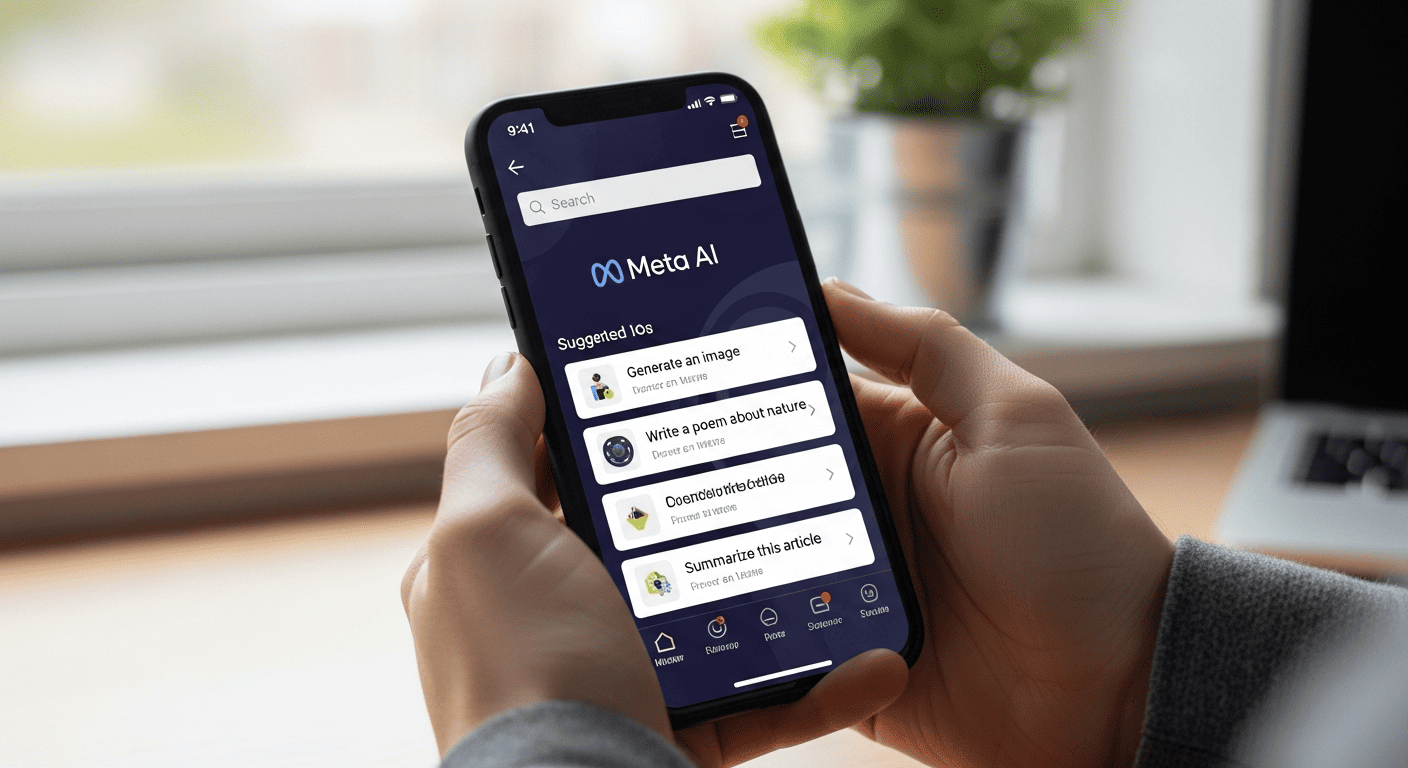
Meta AI is a powerful AI-powered platform designed for AI image generation and AI video creation, perfect for content creators, digital marketers, and business owners who want to produce high-quality visuals efficiently. Here’s a step-by-step guide to get started on any device:
1. Download Meta AI on iPhone or iPad (App Store)
- Open the App Store on your iOS device.
- Search for Meta AI in the search bar or tap the link here.
- Tap Download/Install.
- Open the app and sign in with your Facebook or Meta account to start creating AI-generated images and videos.
- Perfect for creating mobile content, social media visuals, and on-the-go digital marketing campaigns.
2. Download Meta AI on Android Devices (Google Play Store)
- Open the Google Play Store on your Android device or click the link here.
- Search for the Meta AI app and tap “Install.”
- Sign in with your Facebook or Meta account.
- Start creating AI-powered visual content instantly, including photos, short videos, and other creative digital content.
3. Use Meta AI on Desktop (Official Website)
- Open your browser and visit the official Meta.AI website.
- Log in with your Meta or Facebook account.
- Access all AI tools for image and video generation directly from your browser without installation.
- Ideal for professional content creation, digital marketing workflows, and high-quality AI visuals production.
Important Tips for Using Meta AI – AI Tools & Content Creation
When using Meta AI, it’s essential to follow a few key tips to ensure a safe and effective AI content creation experience:
1. Download from Official Sources
Always download Meta AI from official platforms like the App Store, Google Play Store, or the official Meta.AI website. This prevents the risk of fake or malicious apps and ensures access to all AI-powered tools and features safely.
2. Keep the App Updated
Regularly update Meta AI to access the latest AI tools, image generation features, and video creation capabilities. Staying updated guarantees you benefit from cutting-edge AI technology and improvements in AI-powered content creation.
3. Check Regional Availability
Some features of Meta AI may only be available for free in specific countries. Make sure to verify feature availability in your region to maximize your AI content creation experience and avoid limitations when generating AI images and videos.
Challenges and Limitations of Meta AI Tools – AI Content Creation Risks
While Meta AI tools offer powerful capabilities for AI image generation and AI video creation, they also face several challenges and limitations that users should be aware of:
1. Bias and Inaccurate Human Representation
Some users report that Meta AI struggles to generate images of mixed-race couples accurately. For example, prompts like “Asian man and white wife” may produce images of couples of the same race. This reflects bias in AI training data and limitations in AI understanding of diverse human concepts.
2. Short Video Length and Limited Quality
Currently, AI-generated videos are often short clips (e.g., 10 seconds) with restricted detail and resolution. Complex motions, precise frame synchronization, and high-quality video output remain challenging for AI video generation tools.
3. Errors in Understanding Prompts
Sometimes the AI misinterprets text prompts, producing images or videos that differ from the intended result. This affects accuracy in AI-generated content and may require iterative refinement.
4. Instability and Motion Inconsistency
Generated videos may exhibit motion artifacts, distortions, or unsmooth scene transitions, which is a common issue in AI video editing and generation tools.
5. Copyright and Authenticity Concerns
Questions arise about ownership of AI-generated content, use of copyrighted materials, and inclusion of previous artists’ works without permission. Tools like Meta AI may also need to label outputs as “AI-generated” to ensure transparency and ethical use.
6. Geographic Availability and Feature Limitations
Some features of Meta AI are available only in certain regions, limiting access for global users. Always check regional availability to maximize the use of AI content creation tools.
User Experience — Steps and Tips for Using Meta AI Tools – AI Content Creation
Using Meta AI tools for AI image generation and AI video creation is straightforward, but following the right steps ensures the best results. Here’s a step-by-step guide:
1. Accessing the Tool
-
Open the Meta AI app on your device (iOS or Android) or visit the official Meta.AI website on your desktop.
-
Log in using your Facebook or Meta account to unlock all AI-powered features.
2. Start with Simple Prompts
-
Begin by entering simple text prompts like:
-
“Anime character walking in the rain with soft night lighting”
-
“Futuristic city at night with neon lights”
-
-
Observe how the AI interprets the prompt and generates high-quality visuals.
3. Experiment with Editing Features
-
Use AI editing tools to adjust:
-
Lighting
-
Backgrounds
-
Colors
-
Styles or effects
-
-
This allows you to refine AI-generated images and videos quickly.
4. Compare with Other Tools
- Try similar prompts on DALL-E, MidJourney, Runway, or Sora to evaluate speed, output quality, and prompt accuracy.
- This helps in selecting the best AI content creation tool for your workflow.
5. Evaluate Key Aspects
- Image/Video Quality – Clarity, details, and realism
- Prompt Accuracy – Does the output match your instructions?
- Production Speed – How fast does the AI generate content?
- Editing Flexibility – Can you adjust elements easily?
- Errors or Artifacts – Check for anomalies in visuals
- Diversity & Representation – Ensure inclusivity in AI outputs
- Ease of Use – Suitable for beginners and professionals alike
Frequently Asked Questions (FAQs) – Meta AI Tools
Can Meta AI generate images in different artistic styles?
Meta AI can produce visuals in a variety of styles, including realistic, cartoon, cinematic, or futuristic, making it ideal for content creators and marketers seeking creative flexibility.
Does Meta AI support 3D or animated video generation?
Users can generate short AI videos with motion, transitions, and simple animations, though complex 3D scenes may have limitations currently.
Is there a limit to the number of images or videos I can generate?
Depending on your account and subscription plan, Meta AI may have usage limits or quotas for AI-generated content.
Can I use Meta AI outputs for commercial purposes?
Many users utilize AI-generated images and videos for marketing, branding, and advertising, but it’s recommended to review the license and copyright guidelines.
How fast does Meta AI generate images or videos?
Meta AI is designed for efficiency; images are typically generated in seconds, while videos may take longer depending on length and complexity.
Does Meta AI require internet connection to work?
Yes, Meta AI is cloud-based, and all AI-powered processing happens on Meta’s servers, requiring an active internet connection.
Are there any tutorials or guides for beginners?
Meta AI provides in-app instructions and demo prompts, which help new users quickly learn how to generate images and videos.
Can Meta AI handle multilingual text prompts?
Currently, Meta AI is optimized for English prompts, but it may support basic input in other languages with varying accuracy.
How does Meta AI compare to DALL-E or MidJourney?
Meta AI offers competitive AI image and video generation features, with the added advantage of deep integration with Meta platforms for social media sharing.
What devices are compatible with Meta AI?
Meta AI works on iOS, Android, and desktop browsers, giving creators flexibility across mobile and desktop content creation workflows.
Summary – Meta AI Tools for AI Image & Video Creation
Meta AI is a powerful AI-powered platform that enables content creators, digital marketers, and business owners to generate high-quality visuals efficiently. Its suite of AI tools includes:
-
Imagine for text-to-image AI generation
-
Movie Gen for AI video creation from prompts or images
-
Edits App for AI-powered video editing and enhancements
Key advantages of using Meta AI include ease of use, creative flexibility, rapid content production, and seamless integration with Meta platforms like Facebook and Instagram.
However, users should be aware of limitations such as bias in AI outputs, short video length, prompt misinterpretation, and geographic restrictions on features.
To maximize your experience:
-
Always download Meta AI from official sources
-
Keep the app updated
-
Experiment with different prompts and editing options
By leveraging Meta AI tools, you can accelerate digital content creation, produce AI-generated images and videos, and stay competitive in social media marketing and digital advertising.
 Eng Abdulrahman Ali