
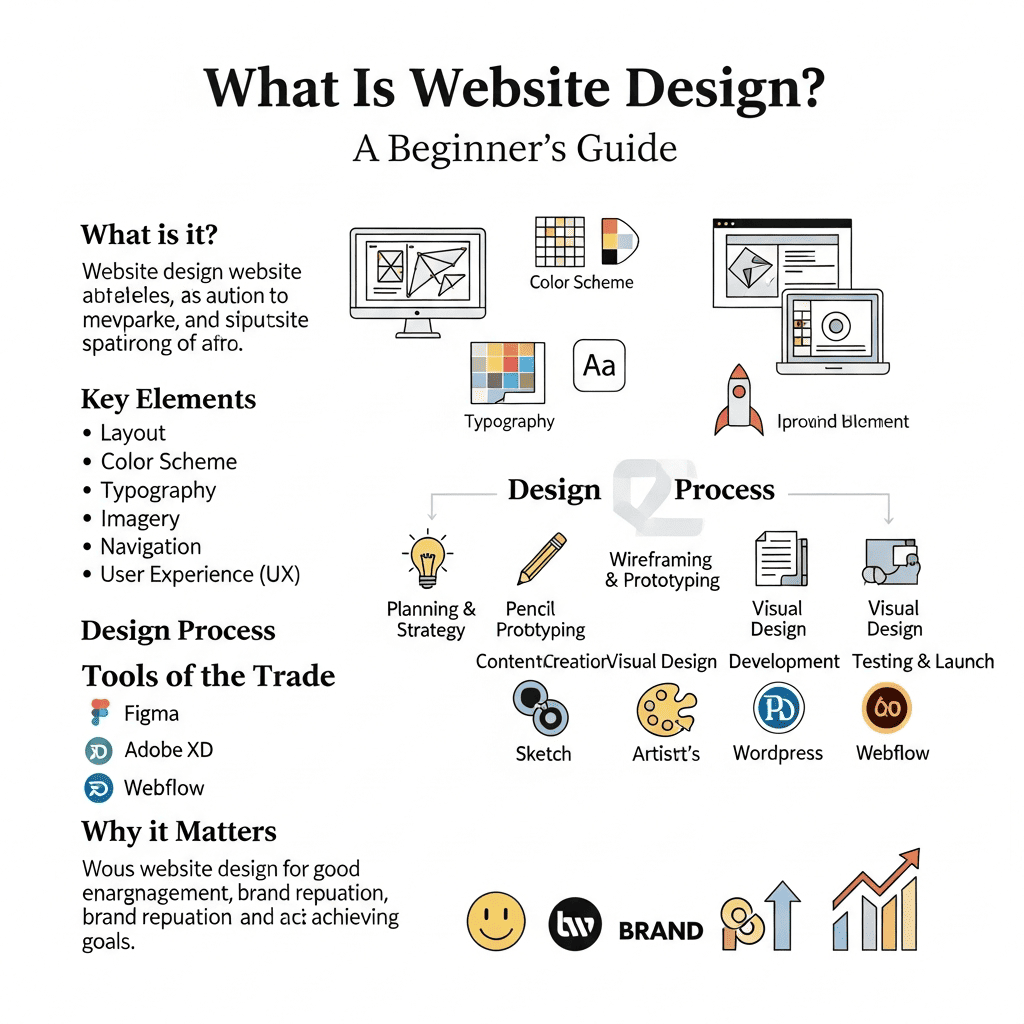
Ranking on the first page of Google in the field of Website Design is no longer a luxury—it is an essential strategy for any business or freelancer aiming to attract targeted clients and generate consistent online sales. In this comprehensive guide, you will learn step-by-step strategies to position your website at the top of search results, leveraging the latest SEO best practices for professional website design and high-converting web traffic.
Why Ranking on Search Engines is Crucial for Website Design Businesses

When a potential client searches for “Website Design” or “Professional Web Design Company”, they are often ready to buy or ready to contact a service provider. Appearing on the first page of Google can result in:
- Increased targeted traffic – attracting visitors who are actively looking for web design services.
- Higher-quality clients – engaging with people who have high purchase intent.
- Stronger brand trust – showing up in top search results boosts credibility and authority.
- Reduced paid advertising costs – leveraging organic search traffic decreases dependency on Google Ads.
In simple terms: First page ranking = Real, paying clients.
SEO-Friendly Website Design Fundamentals
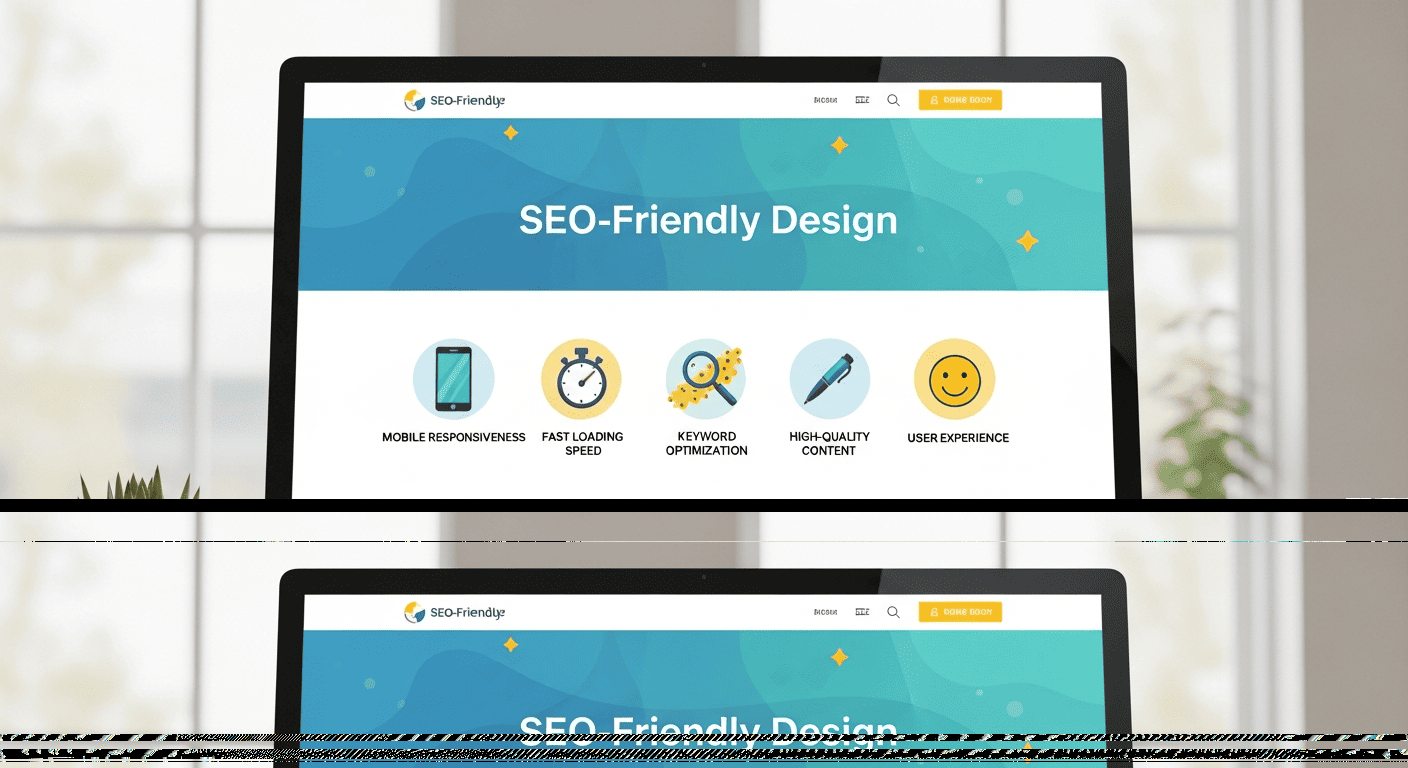
Creating a website that ranks high in search engines isn’t just about visual appeal—it’s about SEO-friendly website design that combines speed, usability, and search engine optimization techniques.
1️⃣ Website Speed and User Experience (Core Web Vitals)
Website speed is a direct ranking factor on Google, and a slow website drives visitors away while lowering your search engine rankings. Optimizing for Core Web Vitals ensures both fast-loading pages and a smooth user experience, which are crucial for professional website design and high-converting web traffic.
Best Practices for Optimizing Website Speed:
- Compress images without losing quality – reduces page load time while maintaining visual appeal.
- Minify CSS and JavaScript files – improves website performance and SEO score.
- Use a fast and reliable hosting service – ensures minimal downtime and quick page delivery.
- Enable caching – speeds up repeat visits and enhances user experience metrics.
2️⃣ Responsive Design for All Devices
More than 70% of website visitors come from mobile devices, which is why Google relies on Mobile-First Indexing. A responsive website design ensures your site adapts perfectly to smartphones, tablets, and desktop screens, providing a smooth user experience and boosting your search engine rankings.
Key Elements of Responsive Web Design:
- Touch-friendly navigation – easy to browse on all mobile devices.
- Clear typography and appropriately sized buttons – enhances user engagement and conversion rates.
- Responsive layouts – a non-responsive website can lead to low rankings on Google and poor user retention.
Choosing the Right Keywords for Website Design
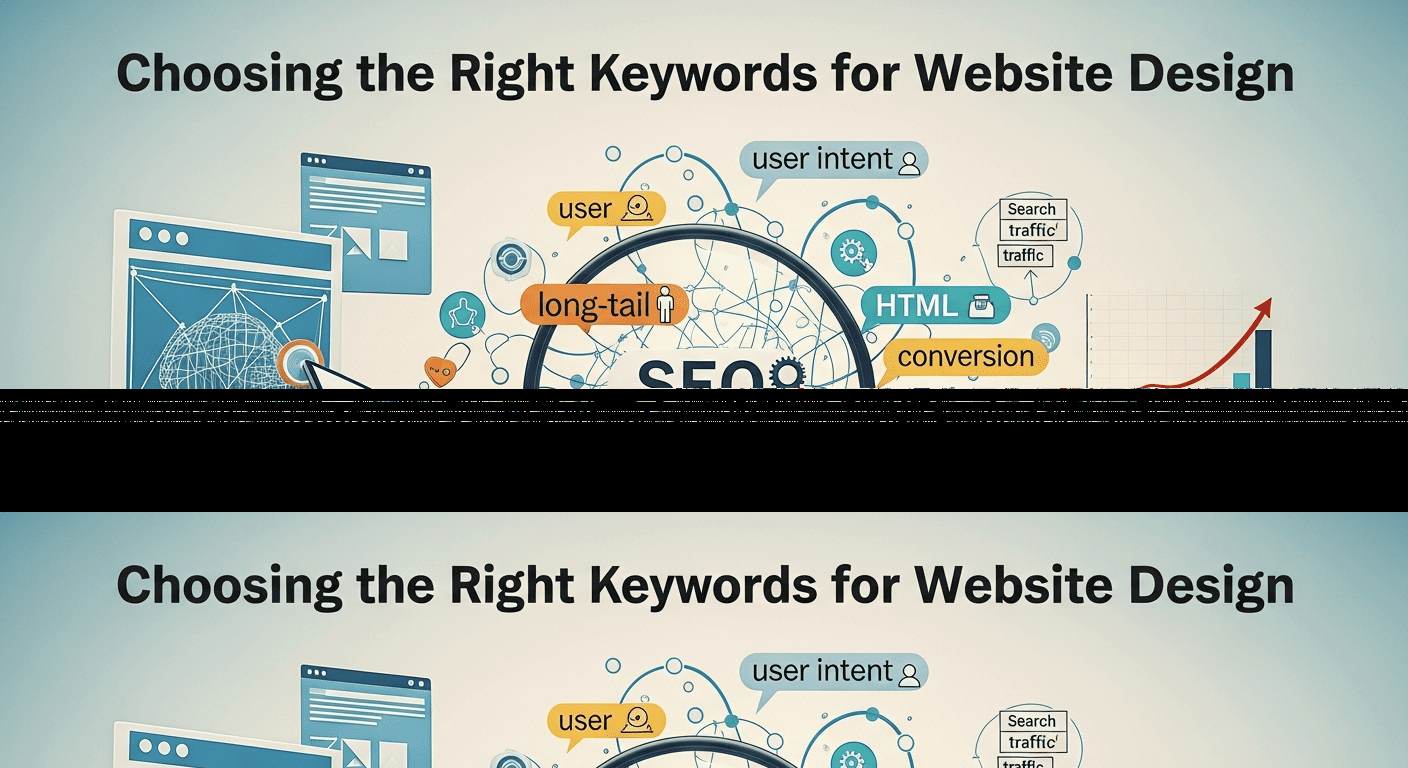
Selecting the right keywords is the foundation of ranking high on Google. The keywords you choose directly affect your ability to attract targeted clients and generate high-converting traffic.
How to Choose Keywords That Bring Clients?
Focus on high-intent keywords that indicate a ready-to-buy audience:
- Professional Website Design
- Web Design Company
- SEO-Friendly Website Design
- Web Design SEO Services
Also, leverage long-tail keywords to capture specific search queries and reduce competition:
- Best Web Design Company for Businesses
- SEO-Compatible Website Design
Using a combination of short, high-value keywords and long-tail search terms ensures your website design business appears in front of potential clients who are actively looking for your services.
Smart Keyword Placement for Website Design
Proper keyword distribution is essential for ranking high on Google and attracting targeted website visitors without triggering penalties for keyword stuffing.
Where to Place Keywords Strategically:
- Main Heading (H1) – include your primary keyword such as Professional Website Design.
- Subheadings (H2 – H3) – use secondary and long-tail keywords like SEO-Friendly Website Design or Web Design SEO Services.
- First 100 words of content – insert high-intent keywords early to signal relevance to search engines.
- Meta Description – include primary keywords to improve click-through rates (CTR) from search results.
✅ Avoid keyword stuffing or annoying repetition, as Google favors natural and readable content that engages targeted clients.
Technical SEO for Website Design
Technical SEO is the foundation that helps Google understand your website and rank it higher for targeted search queries. Optimizing your site’s technical structure ensures better crawlability, indexing, and overall search engine performance.
Key Elements of Technical SEO for Web Design:
-
Short and clear URL structure – improves user experience and search engine rankings.
-
Implement Schema Markup – enhances rich snippets and click-through rates (CTR).
-
XML Sitemap – helps search engines crawl your website efficiently.
-
Optimized Robots.txt file – controls which pages are indexed by Google.
-
Clean, error-free code – ensures fast-loading pages and high SEO scores.
Proper technical SEO is crucial for professional website design, high-ranking web pages, and attracting high-intent traffic that converts into real clients.
Building Strong Backlinks for Website Design
Backlinks remain one of the most powerful ranking factors in Google search. A strategic backlink profile can significantly boost your website’s authority, improve search engine rankings, and attract high-intent traffic for your web design services.
Top Sources for High-Quality Backlinks:
-
Guest post articles on tech websites – establish authority in the website design niche.
-
Business and company directories – increase domain trust and referral traffic.
-
Real case studies from your projects – showcase professional website design skills and gain natural backlinks.
-
Shareable educational content – attracts organic backlinks from industry leaders and web design communities.
✅ Remember: Quality always outweighs quantity. Focus on building high-authority backlinks rather than numerous low-value links to maximize SEO impact.
Frequently Asked Questions (FAQs) About Website Design

1. What is the cost of professional website design?
The cost of professional website design varies depending on complexity, features, and whether you hire a freelancer, agency, or use a platform like WordPress. Knowing the investment helps businesses plan budgets and choose the right design approach.
2. How long does it take to design a website?
Website design timelines depend on the project scope, custom features, and revisions. Simple sites can take 1–3 weeks, while large or custom designs may require 2–3 months. Clear planning ensures timely delivery and high-quality results.
3. Should I choose a custom website or WordPress?
Choosing between a custom-coded website and a WordPress website depends on your goals, budget, and scalability needs. Custom sites offer full flexibility, while WordPress allows faster deployment and easier content management.
4. How can I make my website mobile-friendly?
Mobile optimization is essential for Mobile-First Indexing. Using responsive design, touch-friendly navigation, and fast-loading pages ensures your site performs well on smartphones and tablets, improving rankings and user experience.
5. What are the key elements of a high-converting website?
High-converting websites combine fast load speed, clear navigation, strong calls-to-action (CTAs), and appealing design. Incorporating these elements increases engagement, leads, and sales.
6. How do I choose the right website design company?
Look for a company with proven experience, positive client reviews, portfolio of successful projects, and SEO knowledge. Choosing the right company ensures your site is both beautiful and search-engine optimized.
7. How important is SEO in website design?
SEO-friendly website design is critical for ranking high on Google. Proper keyword placement, technical SEO, fast loading speed, and mobile optimization make your site discoverable by targeted clients.
8. Can I redesign my website without losing search rankings?
Yes, but careful planning is required. Maintaining URL structure, implementing 301 redirects, and updating your sitemap helps preserve SEO value while improving the website’s design and functionality.
9. What is the difference between UX and UI in website design?
UI (User Interface) focuses on the visual elements, while UX (User Experience) focuses on how users interact with the site. Both are crucial for user engagement, retention, and conversions.
10. How do I measure the success of my website design?
Success can be measured using metrics like traffic, bounce rate, conversion rate, page speed, and user engagement. Analyzing these helps improve design, SEO, and overall performance.
To support Gaza channels
Saeed from northern Gaza
 Eng Abdulrahman Ali